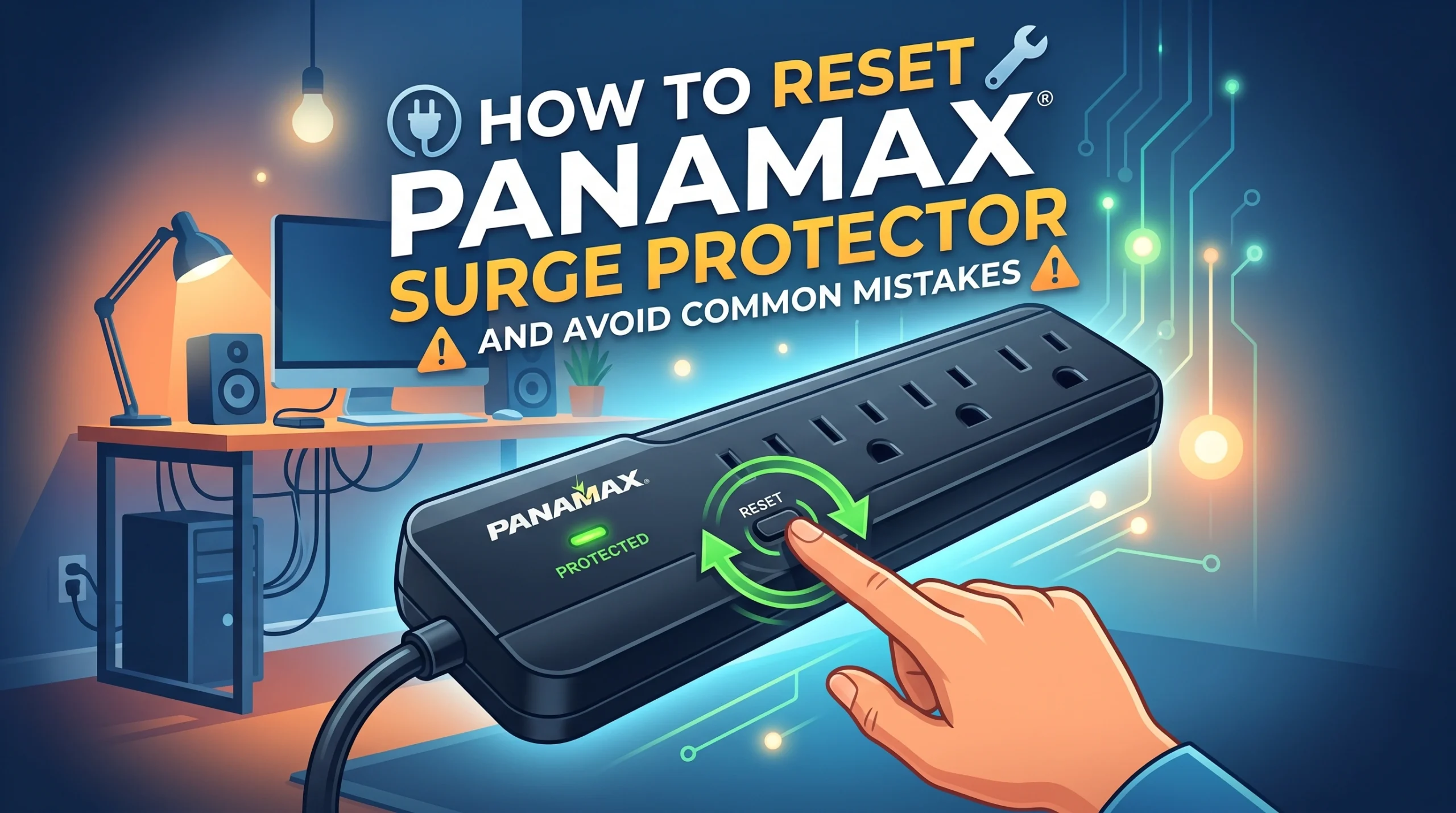
If your Panamax surge protector stopped working after a power surge, a tripped safety feature, or a power outage, don’t worry. In many cases, you can reset it in just a few minutes.
The key is to do it safely.
A rushed reset can leave your devices unprotected or hide a bigger issue, like a bad outlet or unstable voltage. Panamax units are built to protect expensive electronics, so warning lights and shutdowns should never be ignored.
In this guide, you’ll learn how to reset a Panamax surge protector the right way. You’ll also see what to check before plugging your gear back in, how models like the MR4300 and MR5100 may behave, and which common mistakes to avoid.
Let’s start with the basic reset steps most Panamax surge protectors use.
Key Takeaways
-
Follow the correct steps to reset your Panamax surge protector: unplug devices, turn it off, wait 30 seconds, and then plug it back in.
-
Avoid common mistakes like skipping the waiting period or plugging into a faulty outlet to ensure a successful reset.
-
Regular maintenance of your surge protector, such as using the right outlets and keeping receipts, helps prolong its life and protect your devices.
How to Reset Panamax Surge Protector
Ready to get your surge protector back in action? You can follow these steps to reset your Panamax surge protector safely and quickly. Whether you have a standard model or the MR4300 or MR5100, you’ll find clear instructions here. Let’s walk through the process together.
Basic Reset Steps
If you’re wondering how to reset panamax surge protector, start with these general steps. Most Panamax models use a similar reset process. You don’t need any special tools. Just follow this order:
-
Unplug all devices from the surge protector.
-
Turn off the surge protector using the power switch.
-
Wait at least 30 seconds. This gives the internal circuitry time to reset.
-
Plug the surge protector back into the wall outlet.
-
Turn the surge protector back on.
-
Plug your devices back in one at a time.
Tip: Always check that the wall outlet works and is properly grounded before plugging your surge protector back in. If you notice any unusual sounds or smells, stop and inspect the unit.
You might need to repeat these steps if the surge protector doesn’t power up right away. If you still have trouble, check your model’s manual for specific instructions.
MR4300 and MR5100 Model Guide
Some Panamax models, like the MR4300 and MR5100, have extra features that affect the reset process. If you own one of these, you’ll want to follow these steps:
-
Turn off the power to all equipment that you plan to plug into the MR4300 or MR5100.
-
Plug the surge protector into the wall outlet. Turn it on.
-
Look at the LINE FAULT INDICATOR LED. If it’s not lit, your outlet is wired and grounded correctly. If it’s lit, call an electrician to check your wiring.
-
Plug your equipment into the surge protector’s AC outlets. Keep everything off until you connect LAN, telephone, and coax lines.
-
After connecting all lines, turn on your equipment.
-
The MR4300 uses Protect or Disconnect™ technology. This feature disconnects power during extreme surges, so you might notice the unit turning off if it detects a problem.
-
The MR5100 includes Automatic Voltage Monitoring (AVM). This technology turns off power if the voltage drops too low or spikes too high. If your MR5100 shuts down, wait for normal voltage before resetting.
Note: These features help protect your devices, but they can also make the reset process seem different from other models. If your surge protector keeps shutting off, check for wiring issues or unstable voltage.
Confirming a Successful Reset
After you finish the reset steps, you need to make sure your surge protector works as expected. Here’s how you can check:
-
Look for indicator lights. Most Panamax surge protectors have LEDs that show power status and protection.
-
Test each outlet. Plug in a small device, like a lamp or phone charger, to see if it powers up.
-
Check for warning lights. If you see a fault or warning indicator, consult your manual or call an electrician.
-
Listen for any unusual sounds. A surge protector should operate quietly.
If everything works, you’ve learned how to reset panamax surge protector successfully. If you notice problems, repeat the steps or try a different outlet. Sometimes, surge protectors need a little extra time to reset after a major surge.
Quick Check Table:
|
Step |
What to Look For |
Action Needed |
|---|---|---|
|
Power On |
LED lights up |
Good to go |
|
Outlet Test |
Device powers up |
Outlet works |
|
Fault Indicator |
LED not lit |
Safe wiring |
|
Unusual Sounds |
None |
Normal operation |
You now know how to reset panamax surge protector for both standard and advanced models. This process keeps your devices safe and helps you avoid common mistakes.
Mistakes, Troubleshooting, and Maintenance
Now that you know how to reset panamax surge protector, let’s make sure you avoid common pitfalls and keep your device running smoothly. This section will help you spot mistakes, fix stubborn issues, and take care of your surge protector for the long haul.
Common Reset Mistakes
You might think resetting is always simple, but a few mistakes can cause headaches. Here are some things to watch out for:
-
Forgetting to unplug all devices before starting the reset. This can lead to power surges or damage.
-
Skipping the waiting period after turning off the surge protector. The internal circuits need time to reset.
-
Plugging the surge protector into a faulty or ungrounded outlet. This can prevent a proper reset and put your equipment at risk.
-
Ignoring warning lights or unusual sounds after the reset. These signs often mean there’s a bigger problem.
Troubleshooting Reset Issues
If you follow the steps on how to reset panamax surge protector and it still won’t work, try these troubleshooting tips:
-
Unplug the main power cord from the wall for a few minutes, then plug it back in.
-
If you have an older model like the MAX1000, you might need to replace electrolytic capacitors if the unit refuses to operate.
-
Test the zener diode (1N4748) if you suspect voltage issues. Replacing it can sometimes solve the problem.
-
If you see persistent warning lights or the unit won’t reset, contact Panamax support or a qualified technician.
Maintenance Tips
Taking care of your surge protector helps it last longer and keeps your devices safe. Here’s what you can do:
-
Plug your devices into the correct filter banks to cut down on electrical noise.
-
Use high-current outlets for amplifiers to boost audio performance.
-
Place heavy equipment at the bottom of your rack for better stability.
-
Keep your sales receipt in a safe place. You’ll need it for warranty claims, which only apply if you buy from authorized dealers and keep the serial number intact.
By following these tips and knowing how to reset panamax surge protector, you’ll keep your home electronics protected and avoid unnecessary hassles.
You’ve learned the right way to reset your Panamax surge protector. Always follow the steps in order and double-check your device after each reset. Avoid common mistakes and ask for help if you get stuck.
Regular maintenance brings big benefits.
FAQ
How often should you reset your Panamax surge protector?
You don’t need to reset it regularly. Only reset after a power surge, if you notice issues, or when troubleshooting problems.
What should you do if the surge protector still won’t turn on?
Try a different wall outlet first. If it still won’t power up, check for warning lights. Contact Panamax support if the problem continues.
Can you use a Panamax surge protector with extension cords?
You shouldn’t use extension cords. Plug your Panamax surge protector directly into a wall outlet for the best protection and safety.