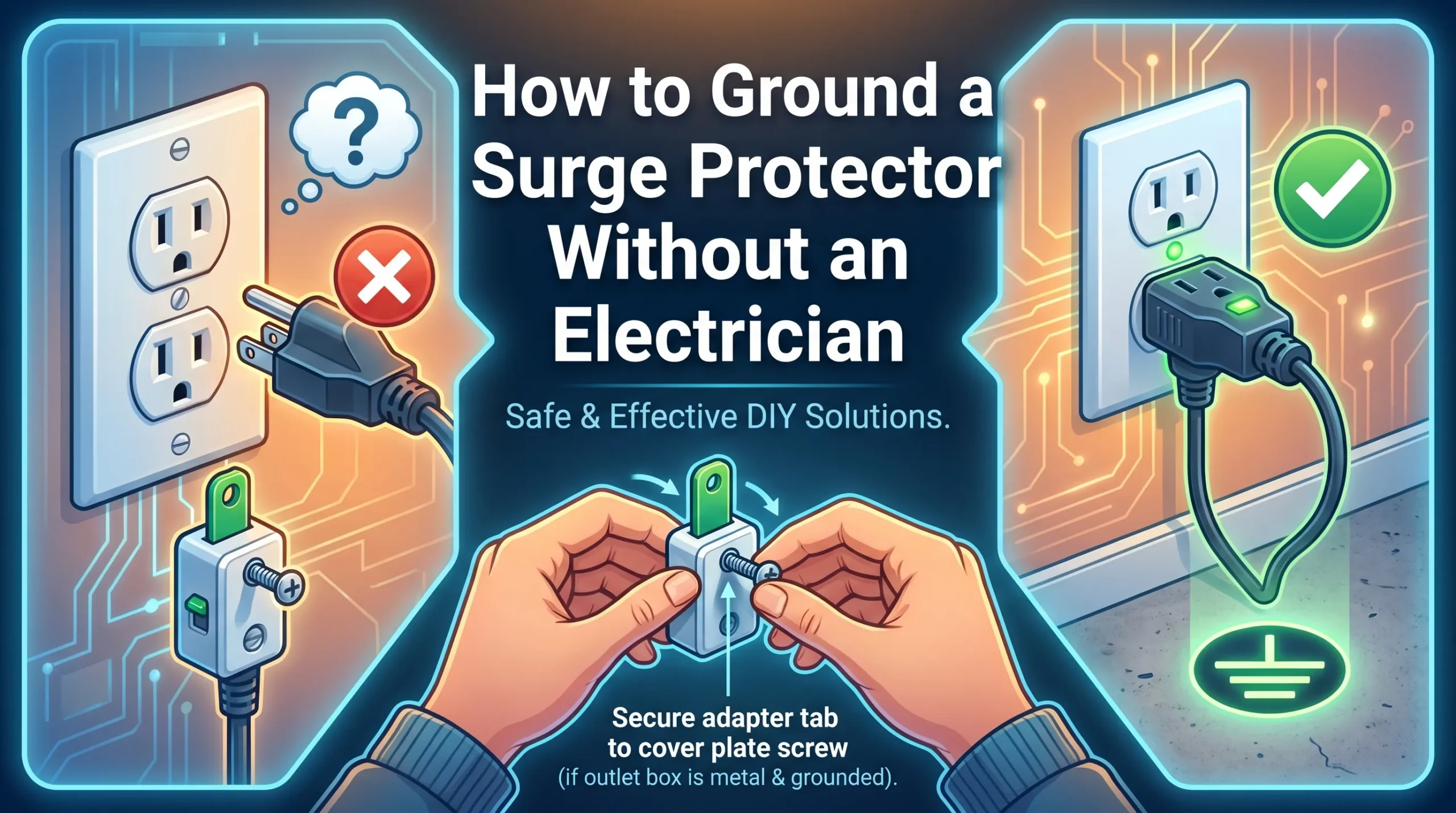
Grounding a surge protector is not as hard as it sounds. With a little know how and the right tools, you can make your setup safer and your electronics better protected. This guide walks you through what grounding is, how it works, and when it is smart to call a pro. You will learn how to check your outlet, choose the right surge protector, connect a proper ground, and test that it works.
Safety comes first, so every step is simple, careful, and easy to follow. By the end, you will feel confident about making a solid connection that sends extra electricity safely into the earth. Before we start, here are the key takeaways you should keep in mind.
Key Takeaways
-
Grounding a surge protector is essential for protecting your electronics from electrical surges and potential damage.
-
Always use the correct tools and materials, such as copper wire and a multimeter, to ensure a safe and effective grounding process.
-
If you notice signs of electrical issues, like warm outlets or flickering devices, seek help from a licensed electrician to avoid risks.
Can You Ground a Surge Protector Yourself?
Grounding Basics
You can ground a surge protector at home if you understand the basics. Grounding, also called earthing, is a safety method that sends extra electricity into the earth. This process protects you and your devices from shocks, fires, and damage. When a fault happens, grounding gives the electricity a safe path to follow.
Surge protector grounding systems use several main parts. The table below shows these components and their roles:
|
Component |
Description |
|---|---|
|
Grounding Electrode System |
Uses rods, plates, or buried wires to connect to the earth. |
|
Grounding Conductors |
Copper or aluminum wires link the surge protector to the electrode system. |
|
Bonding |
Connects all metal parts to prevent voltage differences. |
You should also know the legal requirements for grounding surge protectors in homes. The National Electrical Code gives clear rules. The table below explains what you need for each type of surge protector:
|
SPD Type |
Installation Location |
Grounding Requirements |
|---|---|---|
|
Type 1 |
Service entrance |
Low-impedance grounding (<5 Ohms, per IEEE C62.41) |
|
Type 2 |
Distribution panels |
Grounding conductors sized per NEC Table 250.66 |
|
Type 3 |
Point-of-use devices |
Rely on existing outlet grounding |
When DIY Is Not Safe
You should not always try to ground a surge protector yourself. Some warning signs mean you need a licensed electrician. Watch for these issues:
-
The surge protector status window is not green
-
Devices reset, flicker, or shut down during surges
-
Outlets or wires feel warm or show burn marks
-
Sparks or small shocks near metal parts
DIY grounding can bring risks. You might see devices turn off, lose data, or even face electric shock. Overheating, burned outlets, and fire hazards can also happen. If you notice any of these problems, call a professional for help.
How to Ground Surge Protector: Step-by-Step
Learning how to ground surge protector devices at home can seem challenging, but you can complete this task with the right tools and knowledge. You want to protect your electronics from sudden electrical surges and voltage spikes. Proper grounding ensures that excess electricity flows safely into the earth, keeping your devices and home safe. Many people worry about making mistakes during installation, but you can follow clear steps to achieve proper grounding and surge protection.
Before you start, understand that how to ground surge protector equipment involves more than just plugging in a device. You need to check your home’s wiring, select the right surge protector, and use the correct grounding wire. Each step matters for your safety and the effectiveness of your surge protection.
If you skip steps or use the wrong materials, you risk device malfunctions, data loss, or even fire hazards. You can avoid these problems by following the installation steps closely.
You may wonder how to find a surge protector that fits your needs. Look for models with clear labels and safety features. The effectiveness of surge protection depends on proper placement and grounding. You must connect the surge protector to an approved grounding point. This connection allows the device to divert dangerous currents away from your electronics.
If you want to know how to install and ground a surge protector, keep reading for a detailed guide.
Safety & Tools for Grounding
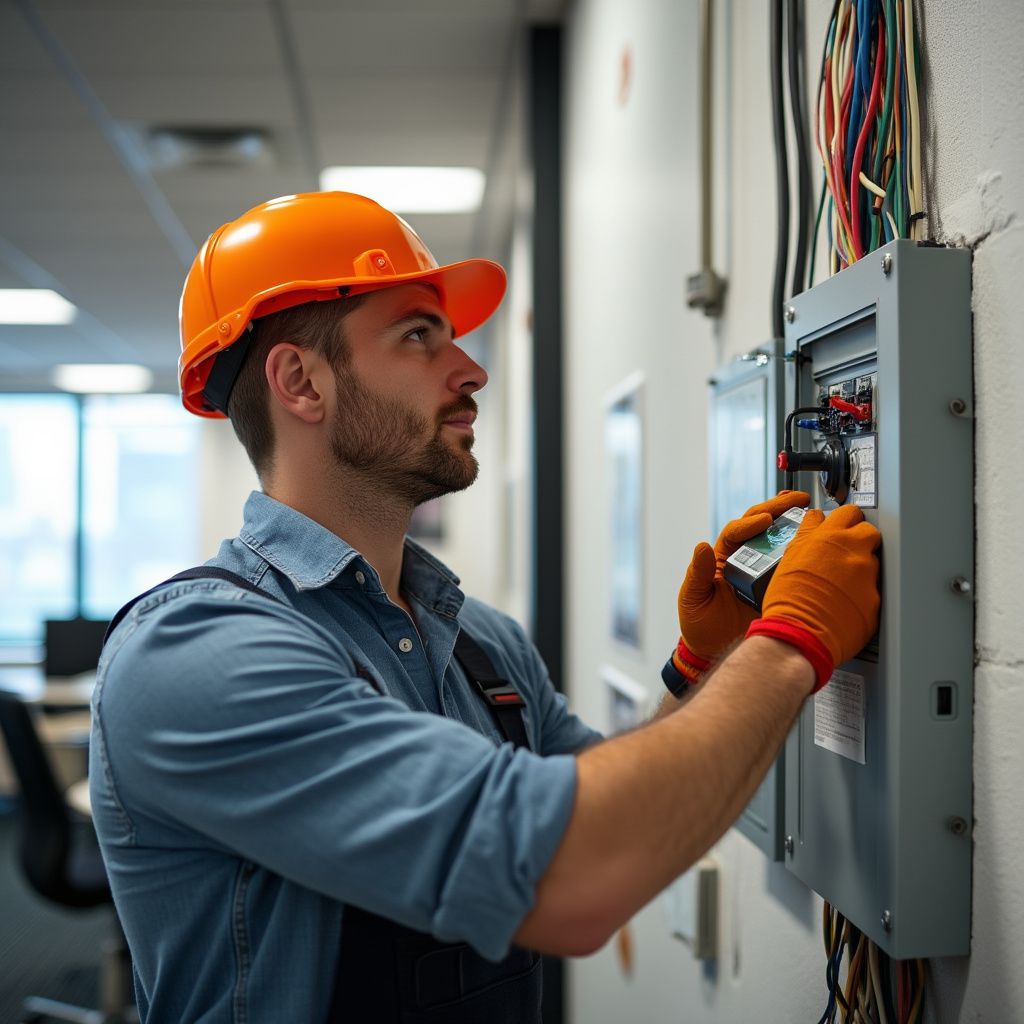
You must always put safety first when working with electricity. Before you begin, turn off power to the area where you will work. Wear insulated gloves and use tools with rubber handles. Never touch bare wires with your hands.
Gather these tools and materials for grounding:
-
10 or 12-gauge copper wire for most residential surge protectors
-
Wire stripper and cutter
-
Screwdriver set
-
Outlet tester or circuit tester
-
Multimeter for checking continuity
-
Wrench for tightening connections
You should use copper or aluminum for the grounding wire. For most Type 2 surge protectors, a 6 AWG copper wire works well, but 10 or 12-gauge copper wire is also common for home use. Keep wires short and straight to reduce resistance and improve protection.
Choose the Right Surge Protector
Selecting the correct surge protector is a key part of how to ground surge protector devices. You want a model that offers strong protection and clear safety features. When you shop, look for these features:
-
UL 1449 label for safety certification
-
High joule and surge-current ratings for better protection
-
Low clamping voltage for enhanced device safety
-
Status lights for wiring and operation
A surge protector with a lower clamping voltage will protect your devices more effectively. The clamping voltage shows the point at which the surge protector starts to divert excess electricity. Lower values mean the device reacts faster to voltage spikes, giving you better protection.
You must also remember that surge protectors need a proper earth conductor. Only grounded (three-pin) outlets provide full protection. Devices without a grounding connection cannot protect your electronics from surges.
Find a Grounding Point
You need to find a reliable grounding point before you attach any wires. The grounding point is where the surge protector connects to the earth. Here are the most common options:
-
Grounding rods: Long copper or steel rods driven deep into the soil.
-
Metal water pipes: Some homes use metal pipes as a grounding point.
-
Metal-sheathed wiring: Older systems may use the metal casing of cables.
You must choose an approved grounding point for safety and effectiveness. Using the wrong point can cause serious problems. The table below shows the risks of incorrect grounding:
|
Risk Type |
Description |
|---|---|
|
Device Malfunctions |
Devices may turn off or restart unexpectedly, leading to operational issues. |
|
Data Loss |
Improper grounding can result in data corruption or loss during surges. |
|
Electrical Hazards |
Increased risk of overheating wires, electric shock, or fire hazards. |
|
Reduced Device Lifespan |
Devices may suffer from premature wear and tear due to inadequate protection. |
|
Fire Risks |
Potential for sparks or fires if surge protectors fail to ground properly. |
Attach Ground Wire
Now you can connect the grounding wire. Follow these steps for a secure connection:
-
Strip the end of the grounding wire to expose clean copper.
-
Attach the wire to the surge protector’s grounding terminal. Tighten the screw so the wire does not move.
-
Run the wire straight to the approved grounding point. Avoid loops or sharp bends.
-
Connect the other end to the ground rod or ground busbar. Use a wrench to make the connection tight.
-
Keep the wire as short as possible. Short wires lower resistance and improve protection.
You must use the correct gauge for the grounding wire. For most home surge protectors, 10 or 12-gauge copper wire is best. Always check the manufacturer’s instructions for your device.
Test Grounding Setup
Testing your work is the final step in how to ground surge protector devices. You want to make sure your installation provides full protection. Use these tools to check your setup:
|
Tool |
Purpose |
|---|---|
|
Multimeter |
For continuity testing and verifying grounding connections. |
|
Circuit Tester |
To measure continuity between the SPD ground terminal and the main earth terminal. |
|
Outlet Tester |
To check if the outlet is properly grounded. |
You can follow these steps to test your grounding:
-
Plug an outlet tester into the outlet. The lights will show if the outlet is grounded.
-
Plug your surge protector into the outlet. Check the ground light on the device. A green light means proper grounding.
-
Use a multimeter to measure ground resistance. You want less than 10 ohms for best results.
-
Check the surge protector’s status window. If you see a green light, your setup works. If not, you may need to replace the device.
You have now completed the main installation steps. You know how to ground surge protector devices for maximum protection. Always double-check your work and test your setup before plugging in valuable electronics.
Lightning Surge Protector & Installation
Why Grounding Matters for Lightning
You need to understand the difference between standard surge protectors and lightning surge protectors before you start. Standard surge protectors handle everyday voltage spikes. Lightning surge protectors, also called lightning surge arresters, protect your home from direct lightning strikes.
The table below shows the main differences:
|
Feature |
Standard Surge Protector |
Lightning Surge Protector |
|---|---|---|
|
Primary Function |
Protects from transient surges |
Protects from direct lightning strikes |
|
Activation |
Activates during surges |
Always active |
|
Components |
Surge protective devices (SPDs) |
Lightning protection system components |
Lightning surge protectors work by providing a safe path for excess electrical energy to move into the ground. Grounding is essential because it lets the device channel dangerous voltage away from your electronics. When you connect a lightning surge protector to a good ground, you create a low-resistance path. This path helps reduce the risk of damage from lightning strikes and ensures surge protection from lightning.
Tip: Without proper grounding, lightning surge protectors cannot protect your equipment. You risk equipment failure and safety hazards.
Install a Lightning Surge Protector
You can install a lightning surge protector at home by following these steps:
-
Choose a lightning surge protector that matches your system’s impedance rating, such as 50 Ohm or 75 Ohm.
-
Place the lightning surge protector between the outdoor antenna and the coax cable. This setup stops surges from entering your home.
-
Use a solid copper ground wire, at least 10 AWG, to connect the lightning surge protector to an approved grounding point. Keep the wire short and straight.
You should avoid common mistakes. Do not use undersized wires or long, messy connections. Always check that your lightning surge protector has a status indicator.
Troubleshooting Grounding Issues
If your lightning surge protector does not work, check all connections. Use an outlet tester to see if the outlet is grounded. Plug in the device and look for a green ground light. Measure ground resistance; it should be less than 10 ohms. Inspect the status window. If the light is not green, you may need to replace the device. Loose or rusty connections, long wires, or thin wires can cause problems. If you cannot fix the issue, contact a licensed electrician.
You can ground a surge protector at home by following clear steps. Always check your work before use:
-
Disconnect power and inspect the ground terminal.
-
Secure all connections and test with a multimeter.
-
Confirm proper operation.
If you see these issues, seek help:
|
Signs Indicating Need for Professional Help |
|---|
|
SPD lacks a clear ground terminal or connection is inaccessible |
|
Building’s grounding system is difficult to identify or damaged |
|
Ground continuity tests show errors |
|
SPD does not indicate proper operation after installation |
Stay safe and consult experts if you feel unsure.
FAQ
What happens if you do not ground a surge protector?
You risk damaging your electronics. Surges can travel through ungrounded paths and cause fires or data loss. Always check for proper grounding before using your surge protector.
Can you use a surge protector with a two-prong outlet?
You should not use a surge protector with a two-prong outlet. These outlets lack a ground connection, so your devices will not receive full protection.
How often should you test your surge protector’s grounding?
You should test grounding at least once a year. Use an outlet tester or multimeter to check for safe operation and reliable protection.